Depth Mask
Keeps the range of distances in focus free of a filter. Mist, Cross, Iris and Directional Blur each have their own.
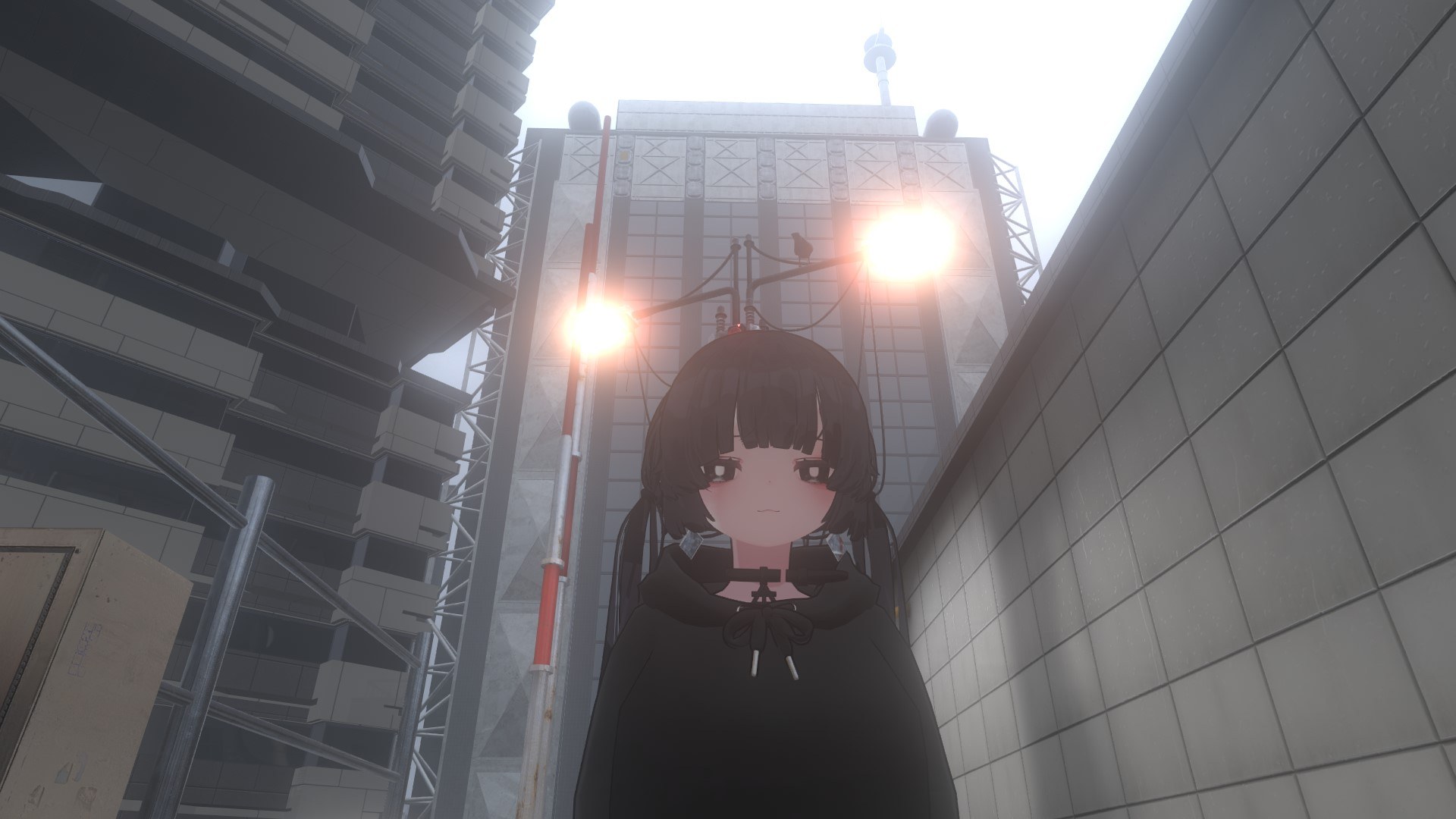
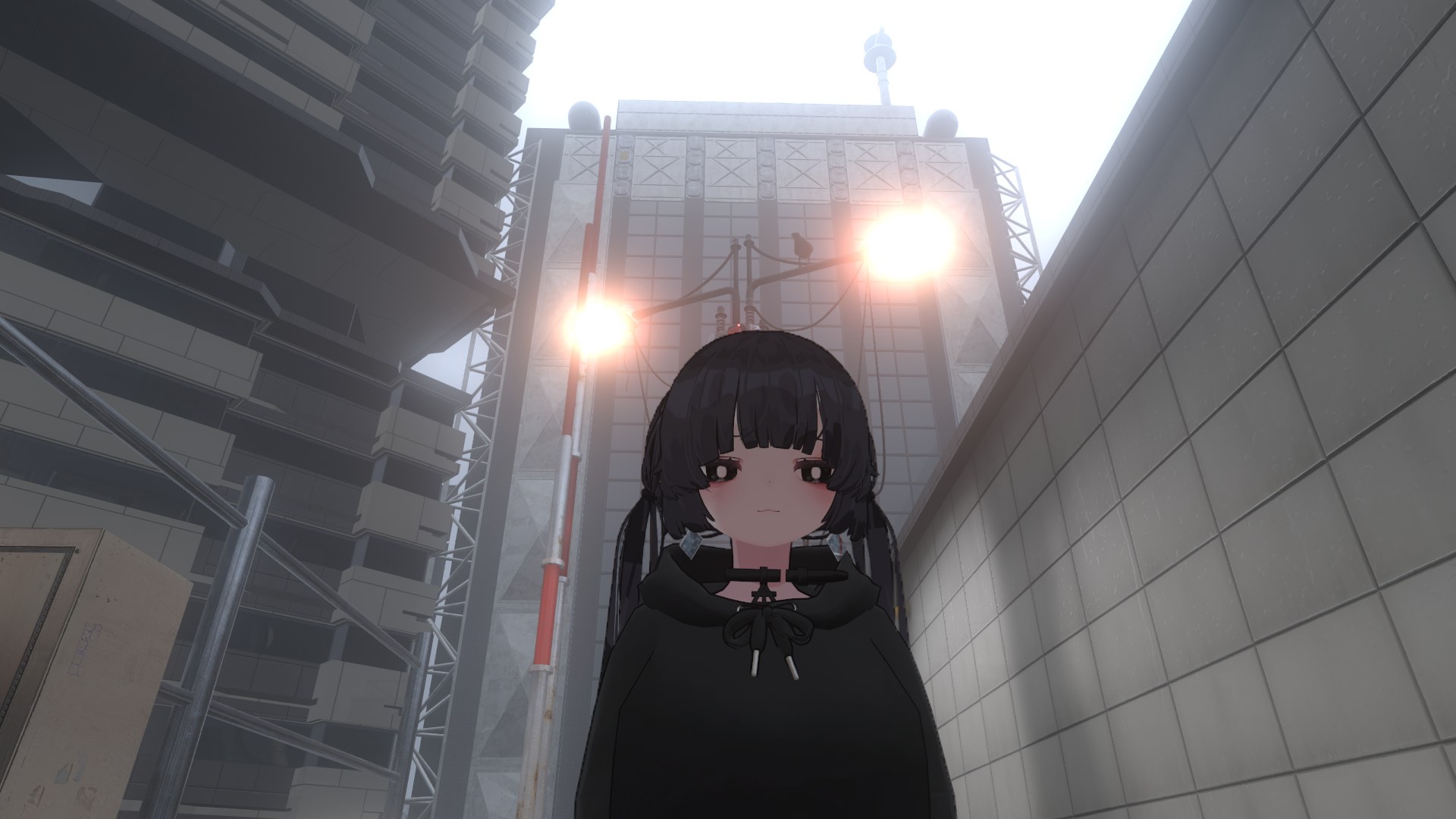
Left is Depth Mask off, right is on. With it on, Mist, Cross, Iris and Directional Blur do not touch the person in focus.
| Item | Description | Default |
|---|---|---|
 Enable Enable |
Turns Depth Mask on and off | OFF |
 Reverse Reverse |
Reverses the protected range. When on, the filter applies only to the range in focus | OFF |
 Follow VL2 Focus Follow VL2 Focus |
When on, follows the VirtualLens 2 focus (AF / MF). When off, uses the distance set in "Distance" | ON |
 Distance Distance |
The distance used when "Follow VL2 Focus" is off (0.1 m to 100 m) | 1 m |
 Width Width |
Higher widens the protected range in depth | 25% |
 Feather Feather |
How soft the edge of the range is (in depth) | 25% |
 Leak Leak |
How much light leaks into the protected range (Mist, Cross and Iris only) | 0% |
 Preview Mask Preview Mask |
Shows the protected range in black and white (for checking) | OFF |
With Leak raised, the glow around the subject spills over its outline, as with a real filter. The protected subject itself does not glow or haze.
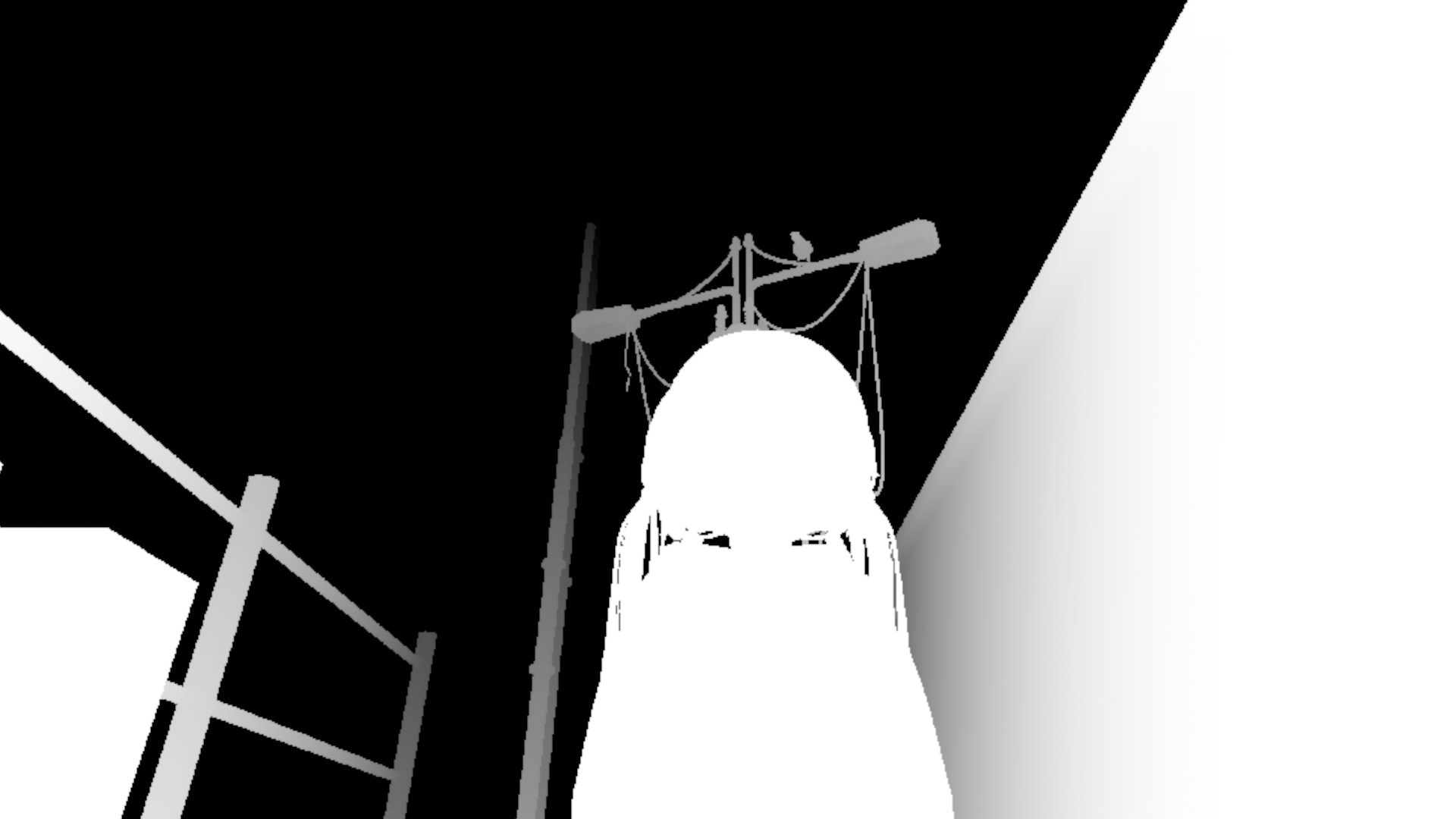
With Preview Mask on, the protected range is shown in white.
When you move Reverse, Distance, Width, Feather or Follow VL2 Focus, the range in focus is shown with purple stripes for about 2 seconds. It appears only on the VirtualLens 2 screen, not in photos.
Where to find it
| Filter | Location |
|---|---|
 Mist Filter Mist Filter |
Mist Filter → Option → Depth Mask |
 Cross Streak Cross Streak |
Cross Streak → Option → Depth Mask |
 Iris Filter Iris Filter |
Iris Filter → Option → Depth Mask |
 Directional Blur Directional Blur |
Directional Blur → Depth Mask |