Cross
Rays stretch out from light sources, like with a cross filter.
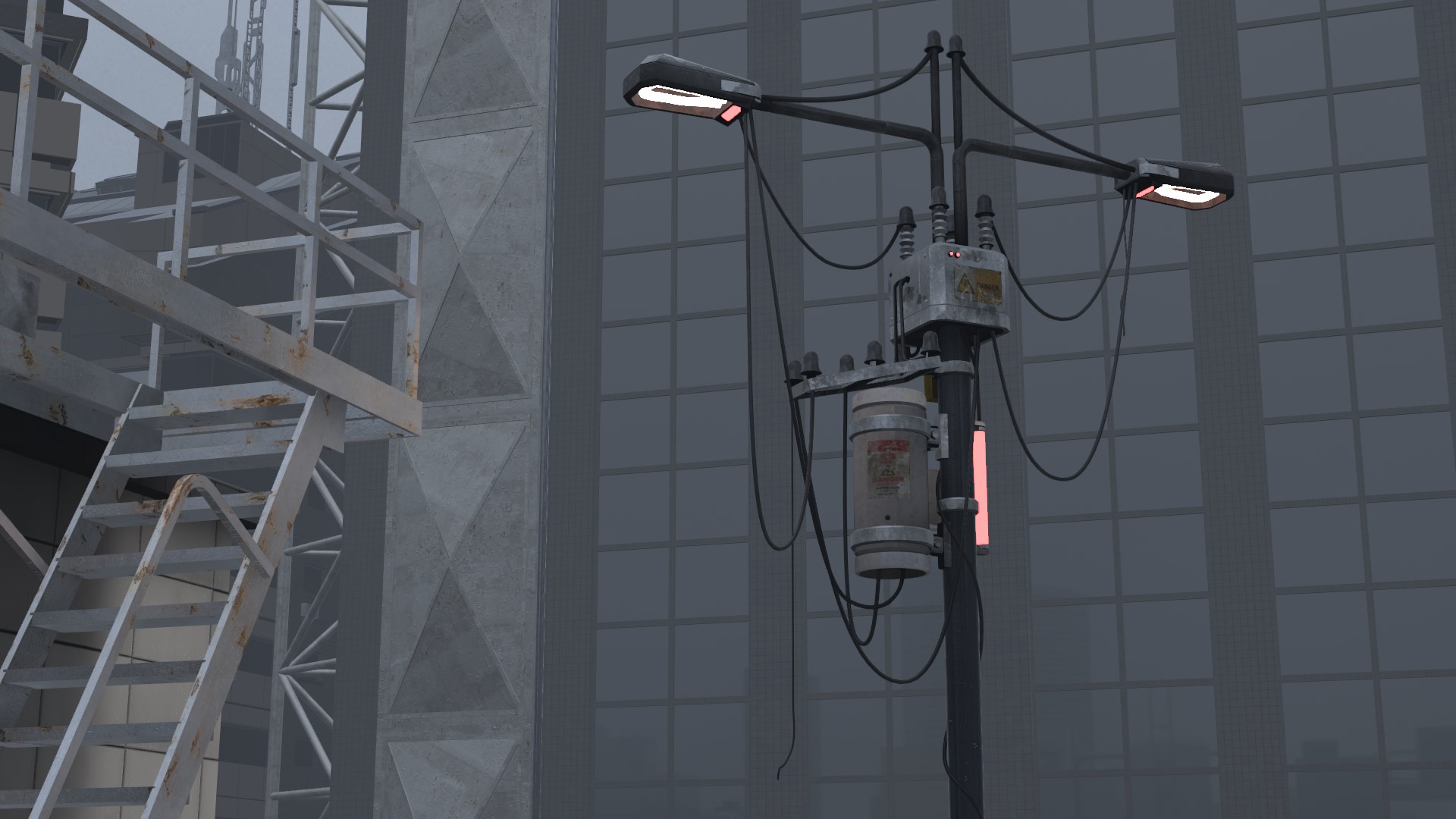
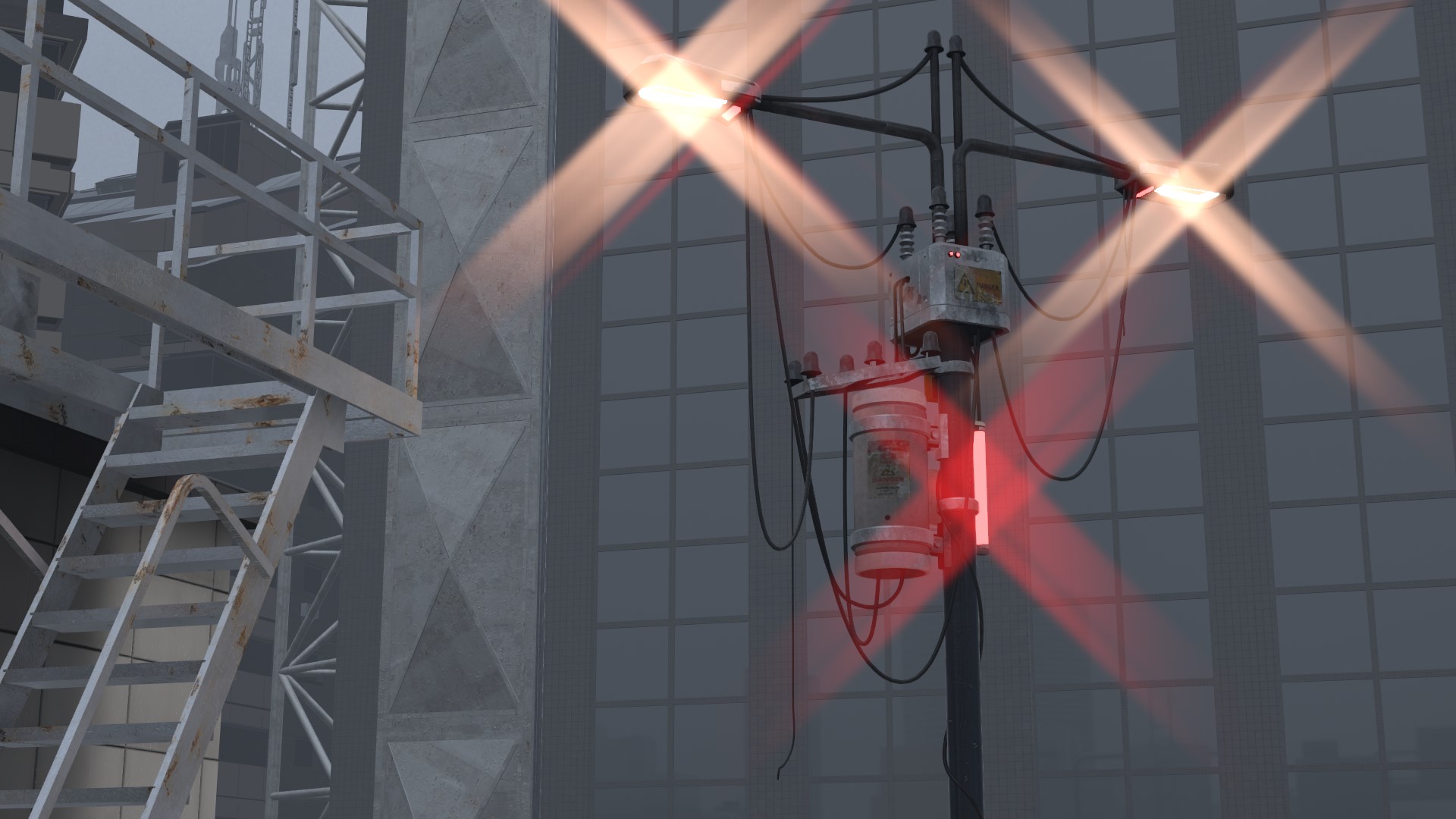
| Item | Description | Default |
|---|---|---|
 Enable Enable |
Turns Cross on and off | OFF |
 Strength Strength |
Higher makes the rays brighter | 10% |
 Threshold Threshold |
How bright a light must be to get rays. Higher gives rays only to brighter lights | 75% |
 Length Length |
Higher makes the rays longer | 75% |
 Angle Angle |
Rotates the rays | 25% |
 Rays Rays |
2 rays / 4 rays / 6 rays / 8 rays | 4 rays |
Chroma
The colors split toward the tips of the rays.
| Item | Description | Default |
|---|---|---|
| Amount |
0% means no color split | 50% |
 Hue Hue |
Which color comes out on the outside. A full turn returns to the original order | 0% |
When Amount is 0%, moving Hue changes nothing.
Option
| Item | Description | Default |
|---|---|---|
 Soft Knee Soft Knee |
Higher makes the rays change more gradually around the threshold | 50% |
 Soft Edge Soft Edge |
How far in from the screen edge the rays of lights are weakened | 100% |
| Width |
Makes the rays themselves thicker and softer | 0% |
 Glow Glow |
Adds a faint glow around the rays while keeping a thin core | 0% |
 Blend Blend |
Additive / Screen / Lighten | Additive |
 Depth Mask Depth Mask |
See Depth Mask | OFF |
 Offscreen 2x Offscreen 2x |
Also gives rays to lights outside the screen. Adds load | OFF |
Width and Glow can be used together. At 0% for both, the rays are thin.