Directional Blur
Adds blur in one direction to the image, like a panning shot.
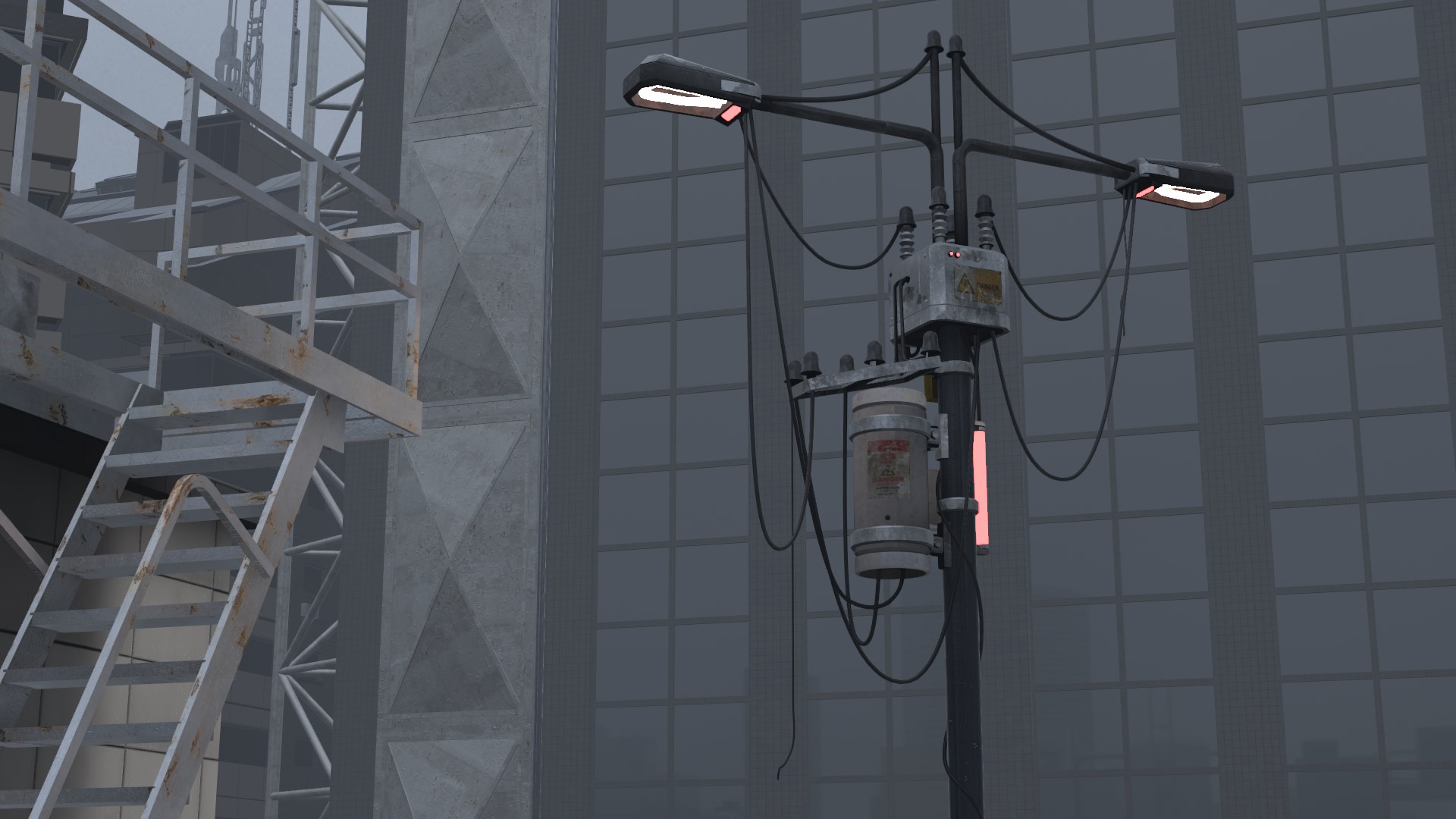
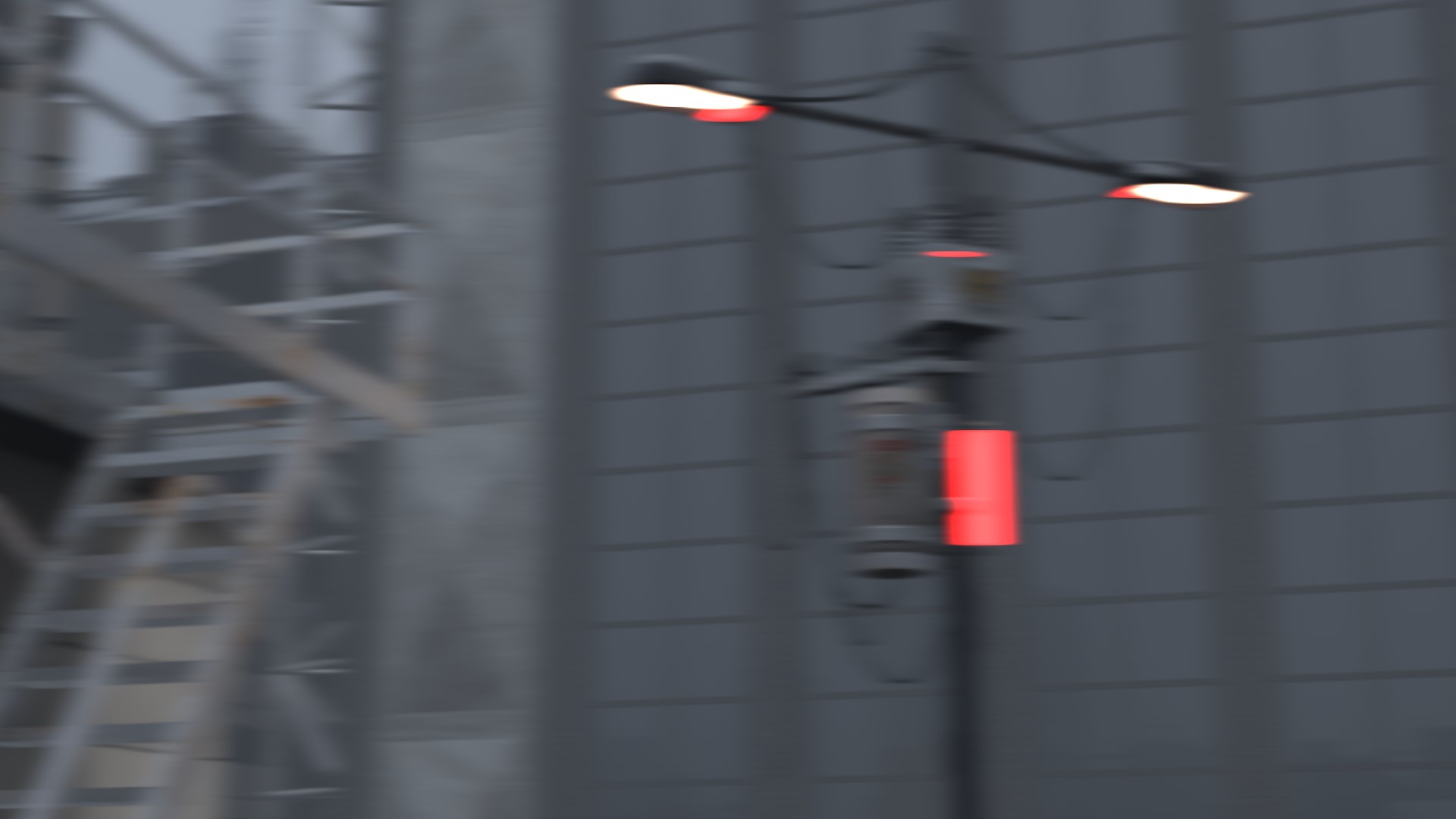
| Item | Description | Default |
|---|---|---|
 Enable Enable |
Turns Directional Blur on and off | OFF |
 Strength Strength |
Higher makes the blur stronger | 100% |
 Distance Distance |
Higher makes the blur longer | 35% |
 Angle Angle |
Rotates the direction of the blur | 50% |
 Depth Mask Depth Mask |
See Depth Mask | OFF |
With Depth Mask on, the subject in focus stays sharp.