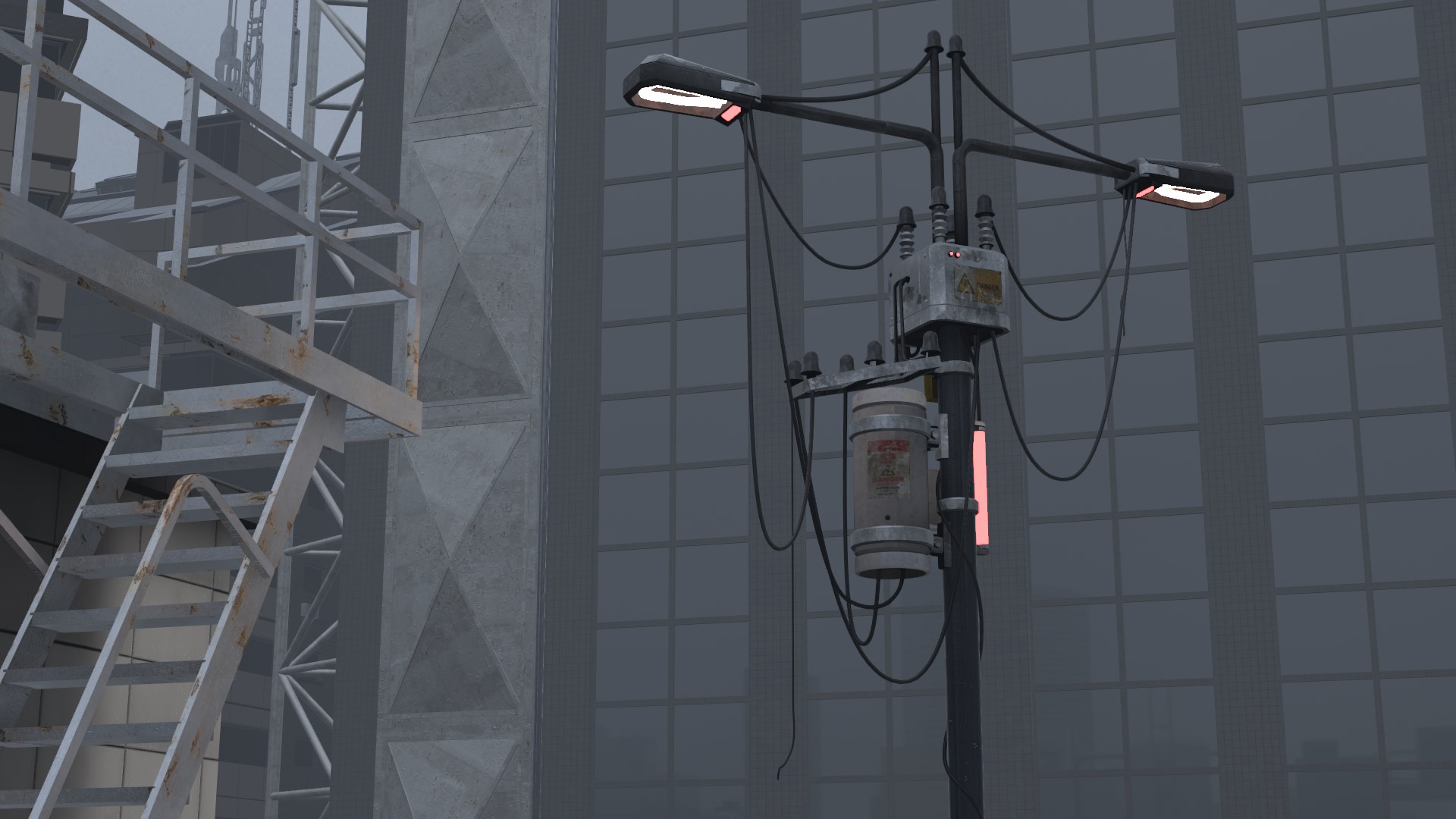
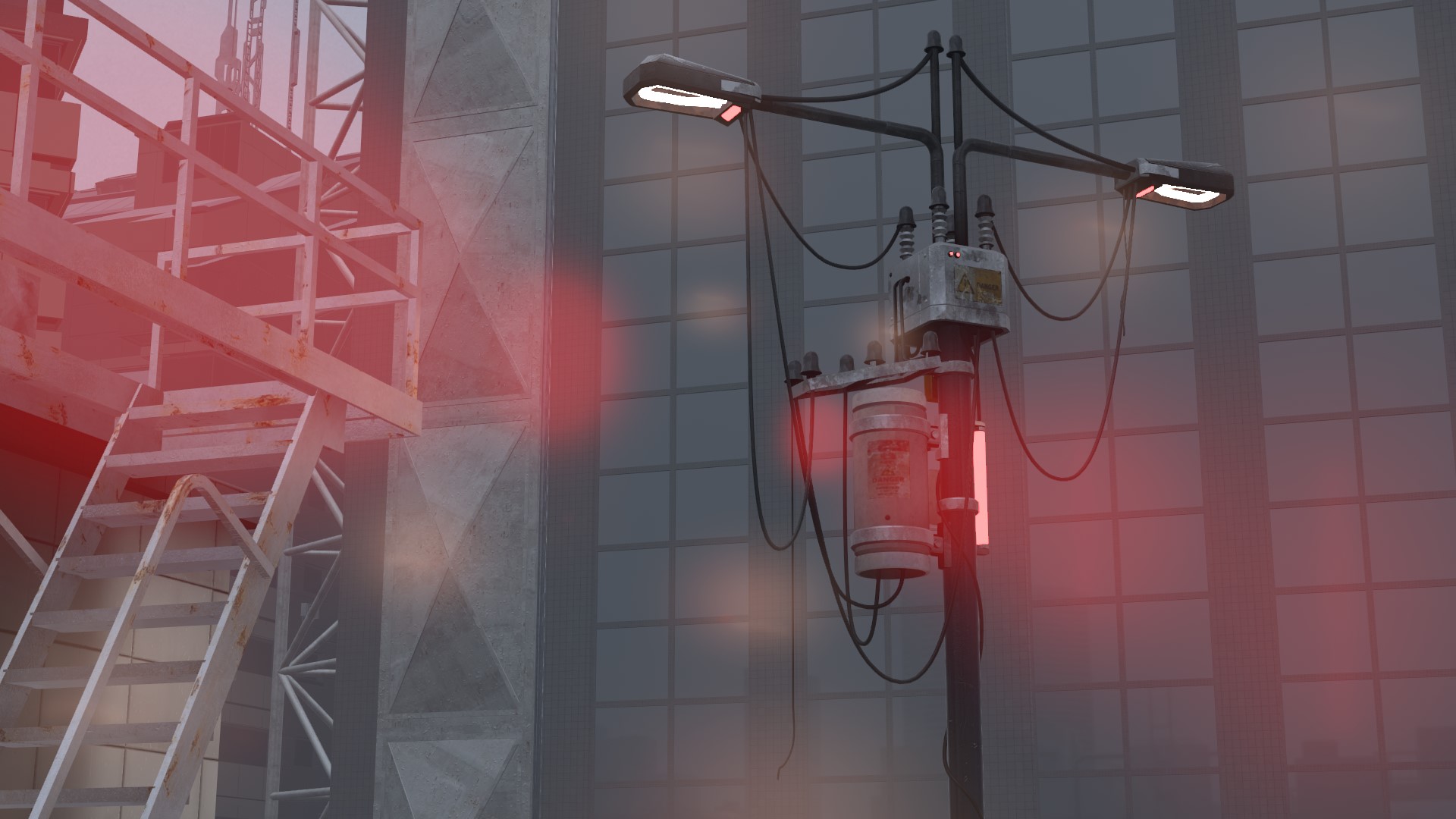
Iris
Lens ghosts and a halo come out of bright lights.
| Item |
Description |
Default |
 Enable Enable |
Turns Iris on and off |
OFF |
 Strength Strength |
Higher makes the ghosts brighter |
70% |
 Threshold Threshold |
How bright a light must be to make ghosts |
45% |
 Size Size |
Higher makes the ghosts larger |
70% |
 Spacing Spacing |
Higher spreads the ghosts further apart |
100% |
 Chroma Chroma |
Higher gives the ghosts more color |
30% |
Ghosts
| Item |
Description |
Default |
 2 ghosts / 4 ghosts / 6 ghosts / 8 ghosts 2 ghosts / 4 ghosts / 6 ghosts / 8 ghosts |
Number of ghosts |
8 ghosts |
 Halo Halo |
See the table below |
|
Halo, inside Ghosts, has these items.
| Item |
Description |
Default |
 Opacity Opacity |
How strong the halo is. 0% is off |
0% |
| Stretch |
How far the central light is pushed out into a ring. 0% is a soft light in the center, 100% a large ring |
50% |
 Wobble Wobble |
How much the ring waves and loses its shape. 0% is a perfect circle |
0% |
 Swirl Swirl |
How much it twists around the center. 0% is straight |
0% |
Option
| Item |
Description |
Default |
 Hue Hue |
Changes the color of the ghosts |
0% |
 Soft Knee Soft Knee |
Higher makes the ghosts change more gradually around the threshold |
50% |
 Soft Edge Soft Edge |
How far in from the screen edge lights are weakened |
100% |
 Shape Shape |
Gaussian / Circle, Soft Hexagon, Soft Octagon |
Gaussian / Circle |
 Blend Blend |
Additive / Screen / Lighten |
Additive |
 Depth Mask Depth Mask |
See Depth Mask |
OFF |
 Offscreen 2x Offscreen 2x |
Also makes ghosts from lights outside the screen. Adds load |
OFF |
 Softness Softness |
Higher blurs the edges of the ghosts |
70% |