Mist
Bright areas glow softly, like with a mist filter.
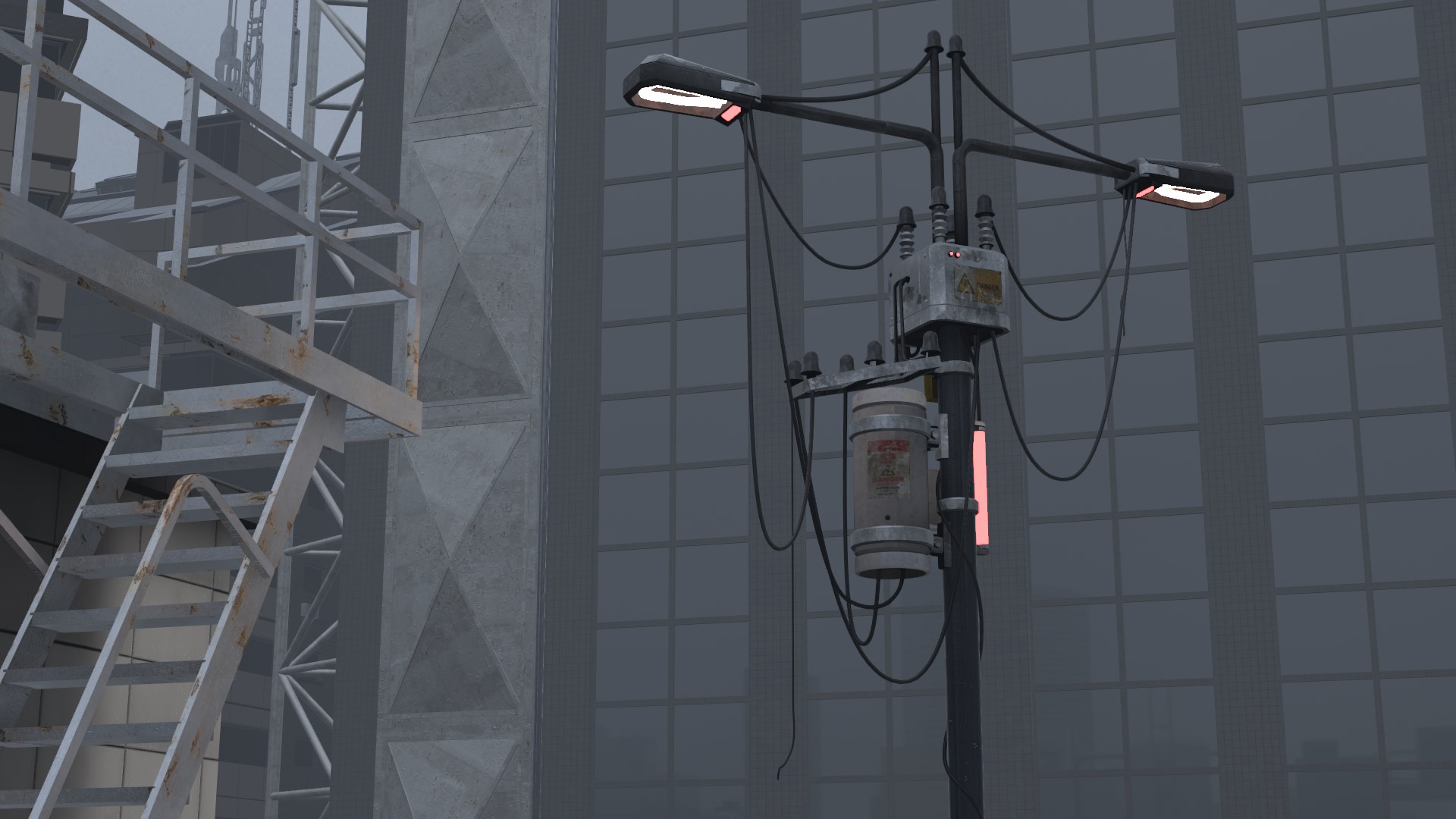
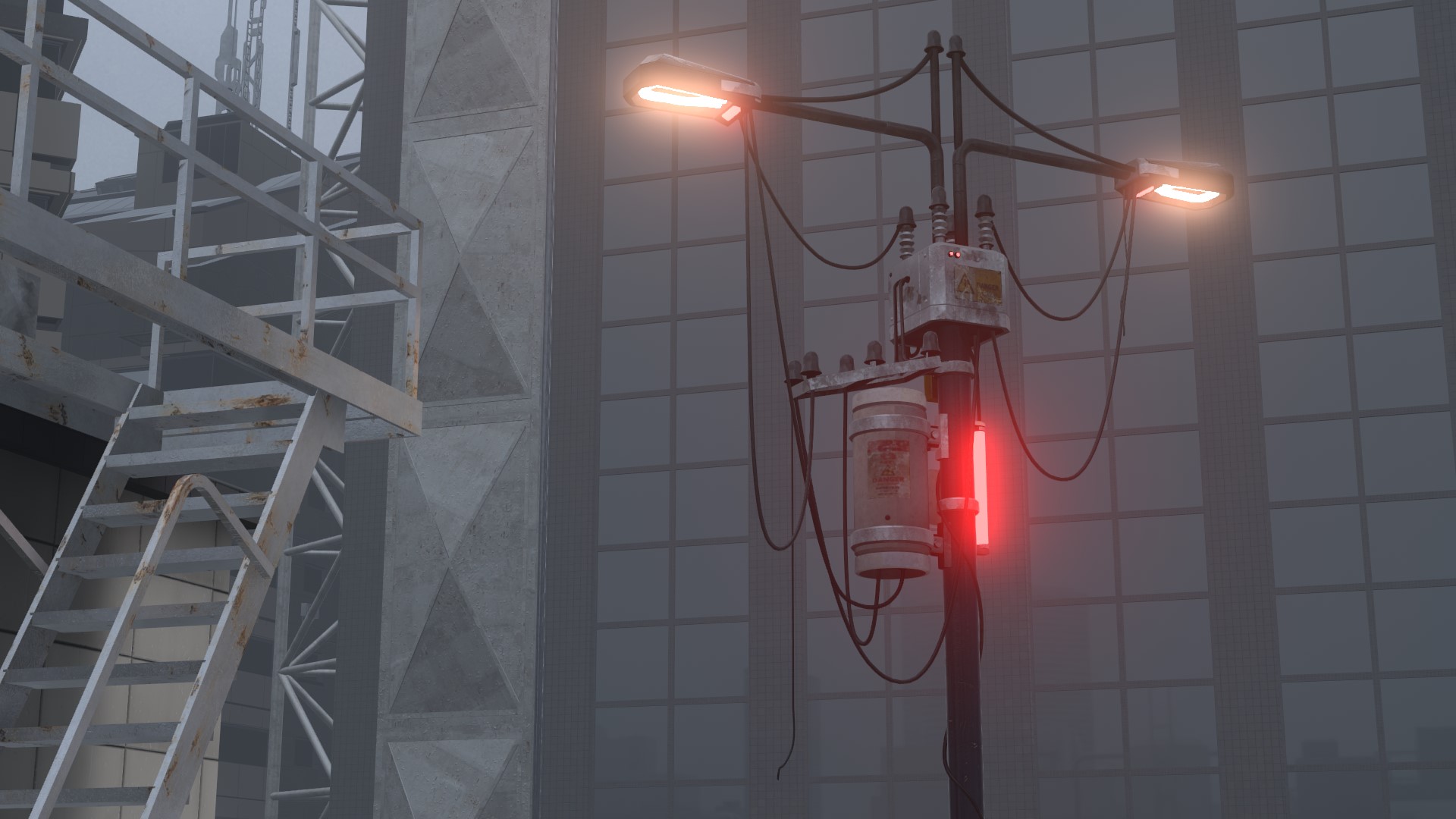
| Item | Description | Default |
|---|---|---|
 Enable Enable |
Turns Mist on and off | OFF |
 Strength Strength |
Higher makes the glow denser | 43% |
 Threshold Threshold |
How bright an area must be to glow. Higher makes only brighter areas glow | 45% |
 Radius Radius |
Higher spreads the glow further | 70% |
 Broad Tail Broad Tail |
Higher adds faint light around the outside of the glow | 25% |
Chroma
Adds color fringing to the glow only. The photo itself is not shifted.
| Item | Description | Default |
|---|---|---|
| Amount |
0% means no fringing | 0% |
 Radial Radial |
Shifts more the farther from the center of the screen, like the chromatic aberration of a lens | Selected |
 Shift Shift |
Shifts red and blue sideways | |
 Angle Angle |
Direction of Shift. 25% is vertical, 50% swaps red and blue. No effect with Radial | 0% |
Option
| Item | Description | Default |
|---|---|---|
 Soft Knee Soft Knee |
Higher makes the glow change more gradually around the threshold | 50% |
 Blend Blend |
Additive / Screen / Lighten. How the light is mixed in | Additive |
 Depth Mask Depth Mask |
See Depth Mask | OFF |