NF Stabilizer
Nakao Filter's stabilizer, which can be used instead of VirtualLens 2's stabilizer. It smooths shaking in the camera's direction.
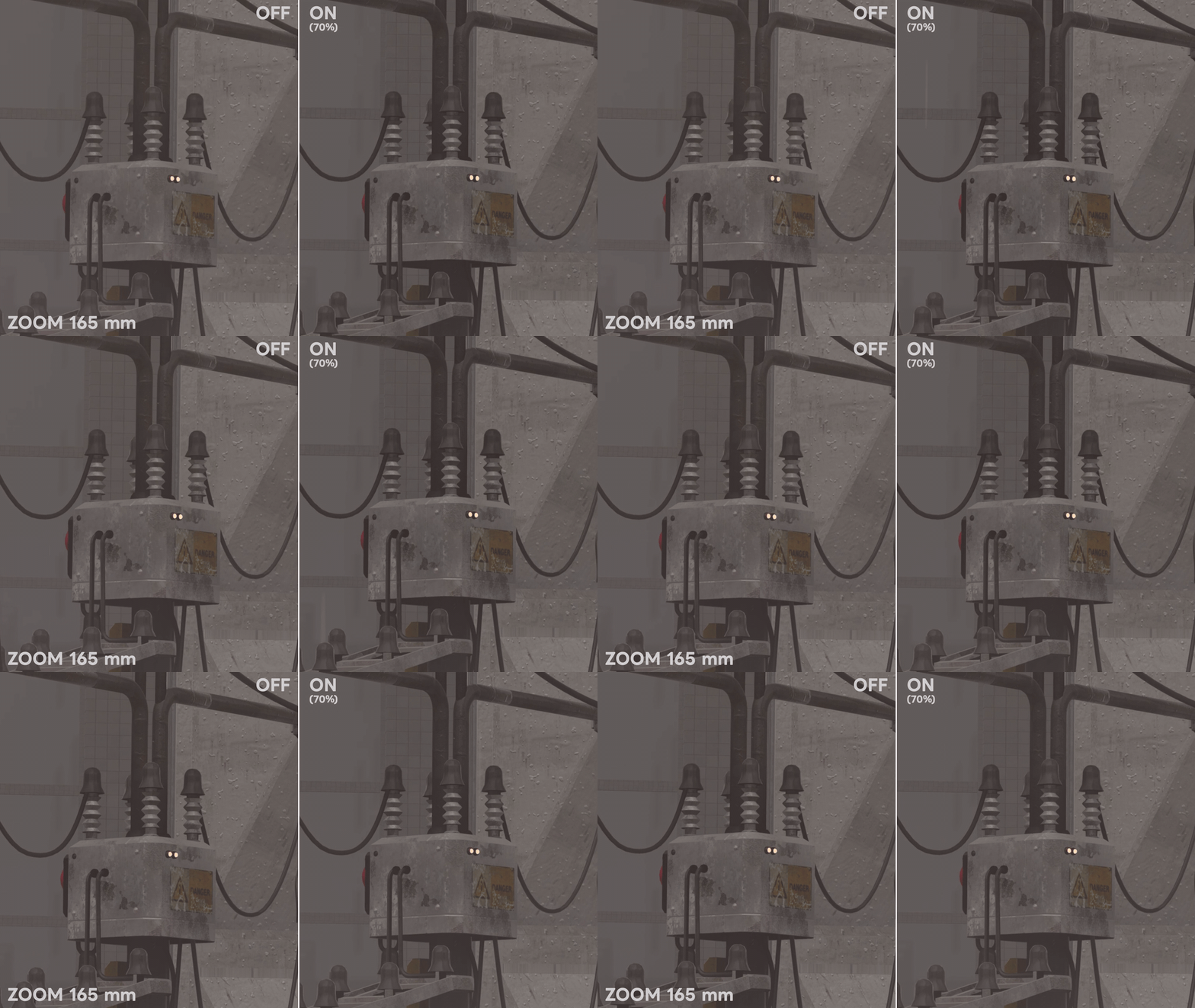
Setting it up
- Select the Nakao Filter prefab on your avatar and tick "Stabilizer" in "Nakao Filter Setup" in the Inspector. "NF Stabilizer" in the prefab is set as External Pose Source in the VirtualLens 2 settings automatically.
- Upload the avatar.
If another object was set as External Pose Source, it is replaced by NF Stabilizer. Unticking it clears External Pose Source, and NF Stabilizer leaves the menu with the next upload.
Using it
It is in More > NF Stabilizer.
| Item | Description | Default |
|---|---|---|
 Enable |
Turns the stabilizer on and off | OFF |
 Strength |
Higher smooths more shaking, and the camera's direction catches up more slowly | 50% |
- It works more strongly at telephoto.
- It works the same when the frame rate drops.
- While it is on, VirtualLens 2's stabilizer is turned off and the camera is shown as the simple model.